Make Your Favorite Songs Come Alive Through Visual Storytelling
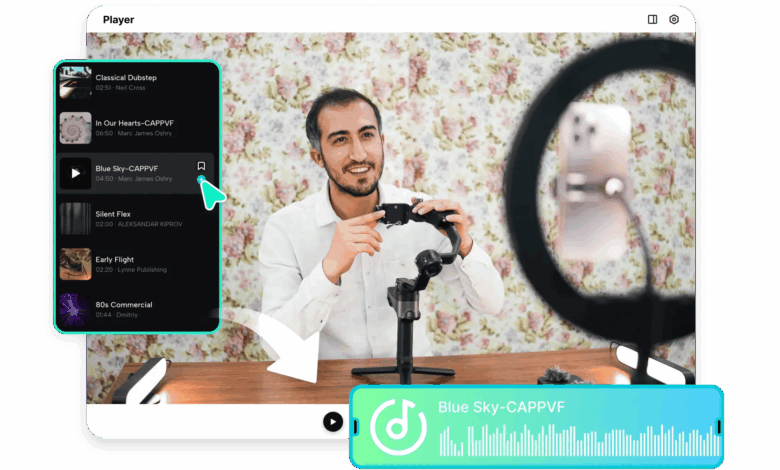
LINER NOTES: Track four has always felt like it was scoring a scene that never actually got filmed — until now. Some songs come with an entire imagined visual world attached to them, built over dozens of listens—a specific mood, a color palette, a scene that plays in your head every time the chorus hits.
Pippit’s SeedAudio 1.5 model lets creators finally build that imagined visual world into a real short video, pairing cinematic imagery with sound design that matches the song’s emotional core.
Since this concept is fundamentally about an album’s hidden visual story, let’s write it the way liner notes actually read.
Track one: identifying the song’s core mood
Before generating anything, it helps to name the specific feeling a song evokes — wistful, triumphant, restless, dreamy. That single word ends up guiding almost every visual and audio decision that follows, keeping the final video emotionally consistent with the music itself.
Track two: what makes a strong visual concept
- A central image or scene that captures the song’s mood without needing lyrics to explain it.
- A color palette that matches the song’s emotional tone — warm and golden for nostalgia, cool and blue for melancholy.
- A sense of movement or journey that mirrors the song’s actual structure, building toward a climax if the song does.
- A visual reference, even a rough mood board, to anchor the generation’s style.
Track three: generating the visual story
Step 1: Upload your reference and write a time-stamped prompt
Open Pippit’s Video Generator, select Seedance 2.5, and upload a mood reference image. Write a time-stamped prompt describing the scene in sequence.
For example: Create a 20-second cinematic visual story for a wistful indie song. 0–6 seconds: a lone figure walking along an empty road at dusk, warm fading light. 7–14 seconds: the camera drifts upward to reveal a wide, open landscape as the light shifts to blue. 15–20 seconds: end on the figure standing still, looking out at the horizon as stars begin to appear.
Step 2: Checking that the mood actually matches the music
Review the draft against the song’s actual emotional arc — does the visual pacing build and resolve the way the song does, or does it need adjusting to better mirror the track’s structure?
Step 3: Extending the sequence, then finishing the cut
If the song’s structure calls for a longer visual arc — a second verse, a bridge, a final chorus — use the extension feature to build that out without starting over. Export at the resolution needed for a lyric video, a fan edit, or a personal creative project.
Scoring the mood with SeedAudio 1.5
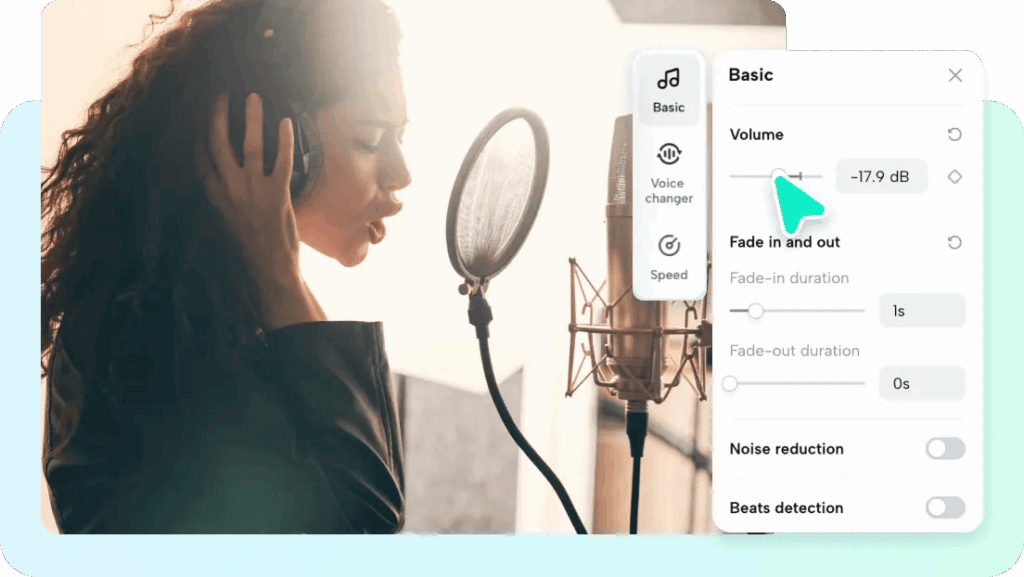
While the actual song provides the music, SeedAudio 1.5 can add an atmospheric layer underneath it — subtle ambient texture, environmental sound, or a soft underscore that enhances the mood without competing with the track itself, using timestamp placement to keep that layer perfectly aligned with key visual moments.
For songs that tell a story without clear narrative visuals, SeedAudio 1.5 can also generate short spoken fragments or whispered lines that echo the song’s lyrics thematically, adding a layer of visual storytelling that complements rather than repeats what the lyrics already say directly.
Credits: building a visual album
Treat each track’s visual story as part of a larger cohesive project if working through a full album. Keep a consistent visual language — color grading, pacing style — across every song’s video for a unified feel.
Choose songs with strong, specific emotional identities first, since vaguer tracks are harder to visualize distinctly. Also, consider Pippit’s talking photo feature for a brief artist statement or introduction clip to accompany the visual album as a whole.
Track 4: matching visual pacing to tempo
A slow, atmospheric song calls for long, lingering shots, while an upbeat track benefits from quicker visual movement — mismatching pacing between the music’s actual tempo and the generated scene’s rhythm is one of the quickest ways to break the intended mood.
Track 5: deciding whether to feature a visible figure
Some songs feel more universal with an anonymous or distant figure representing the listener’s own experience, while others benefit from a distinct character whose story unfolds alongside the lyrics — this choice shapes the entire visual direction, so it’s worth deciding early.
Track 6: using recurring visual motifs across an album
A specific color, object, or symbol that reappears across every track’s video — even subtly — gives a full visual album project a cohesive identity, the same way a recurring theme ties together a cohesive body of music.
Track 7: letting silence do some of the work
A brief pause with minimal visual movement right before a song’s biggest moment, mirroring a quiet instrumental break or breath in the music, can make the following payoff feel significantly more powerful than constant motion throughout.
Final track, fade out
Some songs have always deserved their own film, existing only as an imagined scene every time the chorus hits. With SeedAudio 1.5 and Seedance 2.5 in Pippit, that imagined scene can finally exist somewhere beyond your head.
If there’s a track that’s been waiting for its visual, it might be worth opening Pippit and finally giving it one.